
MMG App Not Opening?
If you have tried opening the mmg app and you are unable to get past the opening yellow screen with the black mmg logo – follow these steps:
- Open Settings on your phone.
- Scroll down and tap ‘Developer options’ (or you can search for ‘Developer’ using the search option)
- At the top, toggle Developer options OFF.
- Close Settings and restart the MMG app.
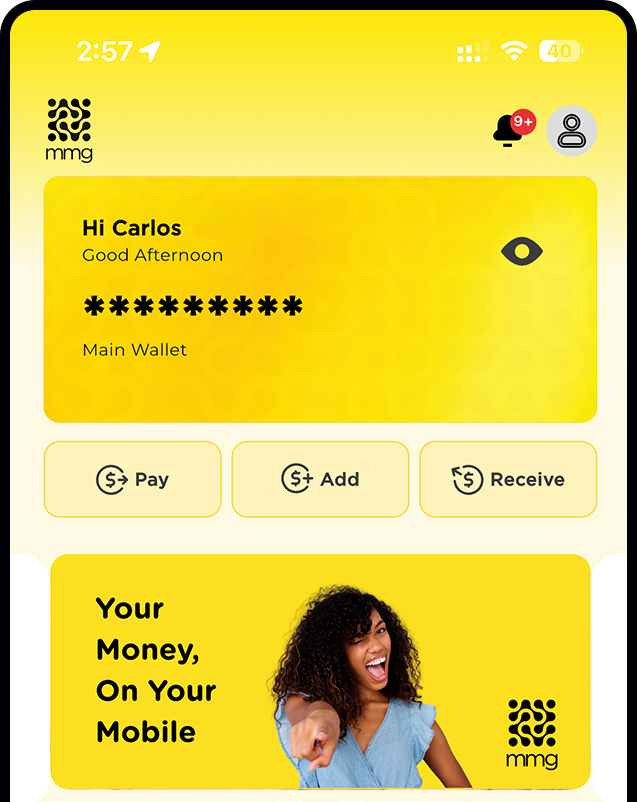
Download the App.
Smarter tools. Smarter money.
All in your pocket.
Download the new MMG app now.